1/5 Tips for Building Your Personalized Agenda:
Select your region and time zone above the agenda.
Hint: Similar sessions are available worldwide. Click another region to choose a different time slot.
2/5 Exploring Sessions by Day
Select the Day 1 or Day 2 tab and scroll down to view the sessions offered each day.
3/5 Creating Your Personalized Agenda
Once logged in, create a personalized agenda by clicking the heart icon to save your favorite sessions. View them in the My Agenda tab.
Hint: Select "Add to Calendar" to save sessions to your personal calendar.
4/5 Browsing and Searching Sessions
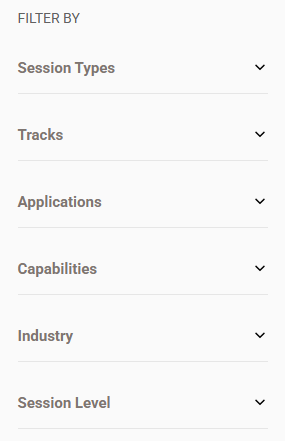
Use the filters to browse session topics and tracks. Use the search box to find sessions and speakers.
5/5 Need a Refresher?
Click the information icon in the banner to revisit these tips.